

Should you make resetting passwords part of your New Year home-safety routine?
Yes. Updating passwords and turning on extra authentication is a quick, high-return step that protects the online accounts now running locks, cameras, thermostats and more.
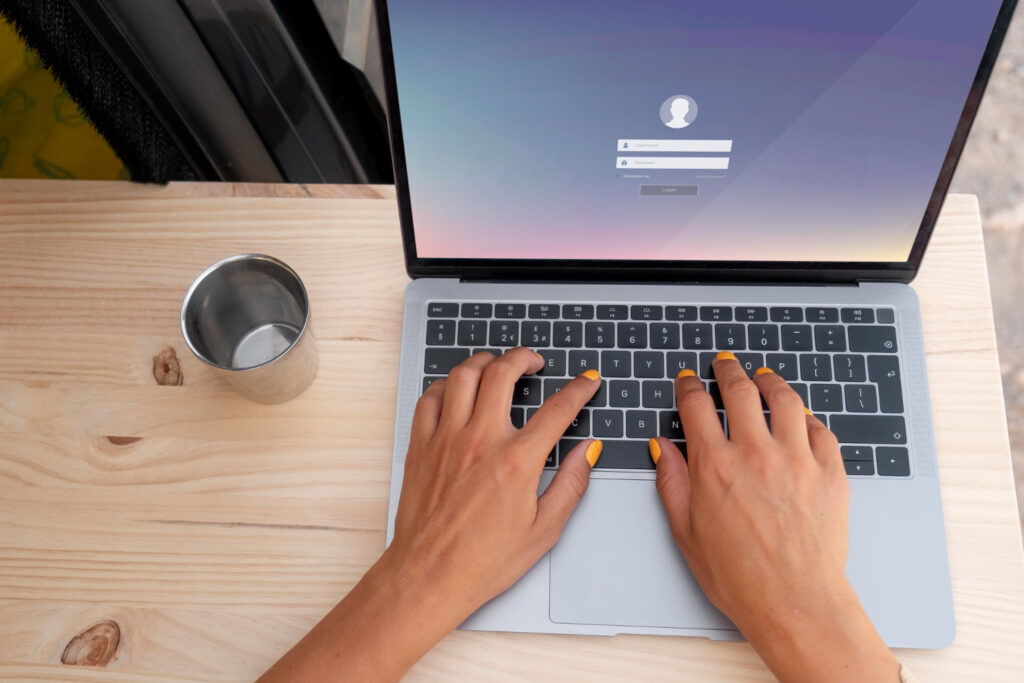
Every New Year you swap calendars, clear the cookie jar and promise to get more organized. Your digital life deserves the same fresh start. Resetting passwords belongs on that list because weak, reused logins are the most common path criminals use to get into the accounts that now manage your home. Your front-door lock and smoke alarms are still things you can touch, but more of your home’s safety lives behind usernames and passwords these days from smart locks and cameras to thermostats, utility portals and health accounts.
Why reset passwords now
The first week of January is already when you tackle closet chaos and check the emergency kit. Slide password-reset day into that rhythm and it becomes practical, not just aspirational. Our seasonal safety survey found homeowners finish checklists far more often when they tie them to a calendar event. An hour on a Saturday morning can save you a lot of trouble later.
The risk is plain. Reused or weak passwords are a top cause of account takeovers and those takeovers have physical consequences now. Someone in your account for the smart lock can lock you out; someone in your thermostat portal can shut down heat ahead of a cold snap. Agencies like CISA and the FTC still list stolen credentials as a primary attack vector. The fix is basic: unique passwords and multi-factor authentication dramatically reduce your chance of getting hit.
Build passwords that actually work
Length and memorability beat forced complexity most days, especially when your household runs on dozens of logins. Pick passphrases of three or four unrelated words. They’re easier to remember and harder for attackers to crack than short, symbol-heavy strings. For example: coffee_river_piano nonsense, but memorable. Test it: could someone who knows where you grew up or your dog’s name guess it in a few tries? If yes, change it.
Avoid personal trivia anyone can glean from social media or public records. Pet names, birthdays, street addresses and favorite teams are predictable and often the first things attackers try. For shared accounts like streaming, choose a simpler but unique passphrase; for banking, email and home-security portals, go longer and distinct.
Turn on multi-factor for the accounts that matter
Think of multi-factor authentication as a deadbolt for accounts that used to have a single key. It makes a big difference. Options include SMS codes, time-based codes from an authenticator app, push approvals on a trusted device and physical security keys you plug in or tap.
Experts and agencies (CISA, the FTC) favor authenticator apps and hardware keys over SMS because texts can be intercepted or phones hijacked via SIM swapping. Still SMS is better than nothing. Turn it on if it’s the only option, and upgrade your most important accounts when you can. Prioritize your primary email, financial accounts, home-security portals, insurance sites and any service that controls physical systems.
Store backup or recovery codes somewhere safe: printed and locked in a home safe, or saved in an encrypted password manager. Test sign-in recovery on a trusted device so you’re not locked out during an emergency.
Manage passwords and family access
A password manager quickly becomes the household’s best friend. Good ones generate long unique passwords, store them behind strong encryption and sync across devices so you don’t have to memorize every passphrase. That lets you use a different, complex password for your utility account, smart-lock vendor and pest-control portal without a tangle of sticky notes.
Sharing access is where families trip up. Emailing passwords or leaving them on a note creates permanent risk. Use family vaults or shared folders inside the password manager and grant temporary access to a neighbor, babysitter or house cleaner when needed. Many managers offer emergency access or legacy contacts so a trusted person can retrieve credentials if something happens to you. Print a master-recovery code and tuck it in your home emergency binder or locked safe for offsite backup with a trusted relative.
When choosing a manager, look for a strong reputation, zero-knowledge encryption (so the vendor can’t read your vault), multi-device support and family plans with shared-access controls.
Secure your home network and smart devices
Your router is the gateway to your house as much as the front door; smart devices are tiny doors into that network. Start by changing factory admin passwords and giving devices clear names so you can audit them. Default credentials are a common weakness in consumer routers and IoT gear.
Keep smart devices on a separate guest network or VLAN when your router supports it. That way, smart bulbs and thermostats stay away from laptops and phones with more sensitive data. Enable automatic firmware updates where possible and turn off unused services like UPnP if you don’t need them. Set your Wi‑Fi encryption to WPA3, or at least WPA2 AES, and store the router admin password in your password manager. Give devices descriptive names LivingRoomCam_Vendor so unfamiliar items stand out when you scan the list of connected devices.
If the router your ISP provided lacks modern security features, replace it with a model that supports WPA3 and guest-network isolation. The FTC and CISA emphasize changing defaults, updating firmware and isolating devices as simple, effective steps.
Habits, monitoring, and what to do after a breach
Good security is habit as much as one-off fixes. Once a month, glance at account activity, make sure firmware and apps are current, and rotate passwords older than a year. Set bank and credit alerts so you get notified of unusual activity, sign up for breach notifications tied to your email, and consider credit monitoring if sensitive financial information has been exposed.
If you spot a breach, move fast. Change passwords on affected accounts from a trusted device, revoke active sessions and app permissions, and enable MFA if it isn’t already on. For financial accounts, call your bank immediately and consider a fraud alert or credit freeze with the three major bureaus; the FTC has clear identity-theft resources to walk you through reporting and recovery.
For smart-home intrusions, isolate the device by disconnecting it from the network, change credentials and contact the vendor’s support to report the issue and check for firmware patches. After storms or power outages, secure account access helps with insurance claims and recovery so preserve important records and passwords as part of your emergency plan. FEMA and Ready.gov offer practical guidance on preparing financial and insurance documents for disasters.
Make a New Year password-reset day part of your annual home-safety checklist and you’ll protect both the online accounts and the physical systems they now control. For more on seasonal readiness, see our guides on storm preparedness and on smoke alarm testing and placement.