

How do I protect my family from back-to-school scams during the busy August rush?
Pause before you click or pay. Call the school to verify senders, use known payment channels, enable two-factor authentication, buy from authorized retailers, and report fraud at ftc.gov/complaint or ic3.gov if something goes wrong.
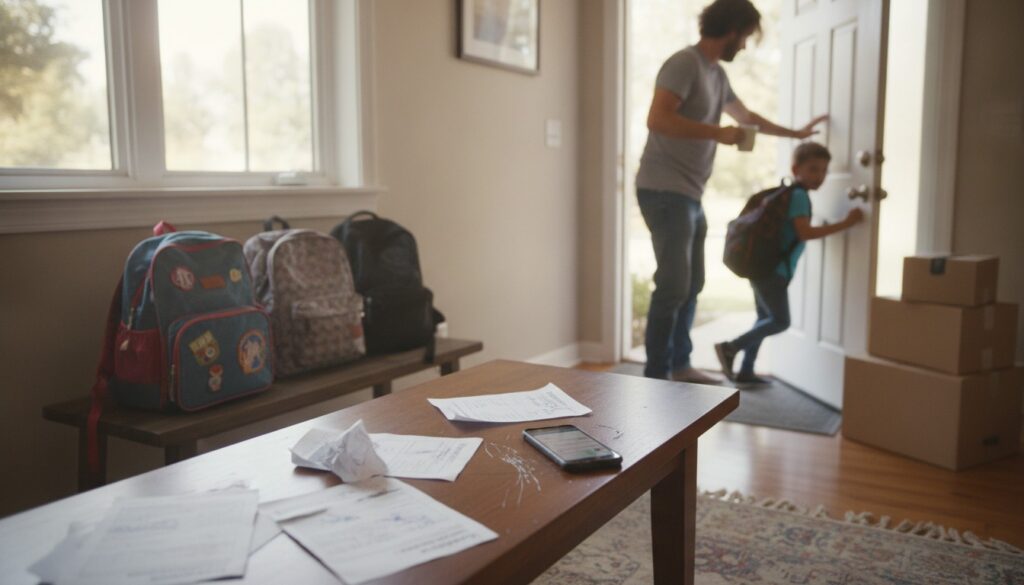
August mornings settle into a familiar rhythm: backpacks by the door, a lunchbox that still smells faintly of peanut butter, and your phone pinging with last-minute school emails. That exact bustle is what makes back-to-school season a magnet for scammers. When you are juggling carpool, immunization records, and a grocery list that grows by the minute, it is easy to tap a link or approve a payment without a second thought.
You have probably seen the scams already, urgent texts about fees, emails that look official, social posts promising cheap laptops. Every year crooks step up schemes timed for this rush: fake district emails requesting payments, cloned login portals that steal credentials, counterfeit supply and laptop deals that bring malware or fire risk, and campaigns designed to harvest student data for identity theft. These scams peak in late July and August, and the stakes go beyond losing a few dollars. Stolen student data can affect financial aid, open credit in a child’s name, or make your household the target of more convincing phishing later on. StaySafe.org’s seasonal safety survey finds homeowners notice more suspicious payment requests and marketplace listings in late summer, so a short checklist is handy when school starts.
Back-to-School scam season explained
Think about what August asks of you: approve payments for supplies, sign your child up for tech access, and answer messages about schedules and fees. Scammers concentrate attacks in late summer because that pace makes people skip verification when a message says “urgent” or “payment required.” A rushed parent is exactly who a scammer counts on. Click through once, and attackers may get credentials that unlock school accounts, email threads, and more.
Multiple communication channels make the problem worse. Fraudsters use phishing emails, SMiShing texts, spoofed phone calls that sound like the district office, fake websites that mimic your school portal, and social-media listings promising unbelievable deals. A convincing Facebook ad can prime you to trust an email that appears to come from “your school,” while a phone call can pressure you to act before you check the district website. Schools and parent groups often use the same tools, and that familiarity makes impersonation surprisingly effective.
The consequences go beyond an empty account. When scammers harvest student names, dates of birth, Social Security numbers, or school logins, they can file fraudulent financial-aid applications, open credit in a child’s name, or use that data to launch targeted phishing at classmates and parents down the line. Federal agencies track these patterns: the FTC offers identity-theft recovery guidance and asks consumers to report fraud, and the FBI’s IC3 highlights seasonal spikes in phishing and business-email compromise. Prompt reports help investigators spot trends and warn the community.
The most common back-to-school scams
The simplest scam is a fake school email asking for a fee. These messages often wear a school logo and familiar wording, but the sender address will give it away: an extra letter, a different domain, or a public email service where your district normally uses a secure domain. Urgent language and unusual payment requests, like asking for gift cards or cryptocurrency, are big red flags. Real schools do not ask that way. Hover over links to see the actual URL, and if the domain does not match the district site, treat the message like a stranger at your door.
Spoofed district portals are more dangerous because they clone login pages so well you might not notice until it is too late. Entering your username and password on a fake sign-on screen hands attackers access to rosters, grades, and email threads, and that access can be used to escalate attacks across family accounts. Districts will not email to “verify” your password or ask you to send credentials. They provide explicit password-reset instructions through the IT helpdesk. If a login prompt appears outside your district’s official sign-on flow, assume it is fraudulent and report it to IT.
Counterfeit supply and laptop deals pop up on social media and marketplace sites as irresistible bargains: a brand-name student laptop for an implausible price. The danger is twofold. The device may be a knockoff that will not receive security updates, or a charger and battery may lack safety certifications and overheat. The CPSC and NFPA warn about electrically unsafe products. Look for UL, ETL, or FCC markings and a valid serial number before you buy electronics. If a seller asks you to download a file to “unlock” a purchase, that file is likely malware.
These scams trade on trust and haste. Recognizing the patterns helps you pause, verify, and protect your family’s information. Reporting even a small scam to the FTC or IC3 helps authorities identify trends and protect others.
Real-life scenarios and red flags
Imagine an email that looks like it came from your PTO: the header is right, it mentions the fundraiser you heard about, and it includes a payment link. You click and enter your card details, then later discover the URL was slightly different and the seller has vanished. Three quick checks would have stopped that: hover over links to view the domain, check the sender’s email for misspellings, and call the school’s official number before you pay. The FTC points out that legitimate schools and nonprofits will not demand payment by gift card or cryptocurrency.
Now picture a helpful study app your teenager installs that asks for the school login to sync classes. It seems convenient, but the app sends rosters and messages to an unknown server and the class list ends up in a third-party database. That is how stolen credentials spread, and it is why districts publish lists of approved educational tools. If a login request appears outside the district’s single sign-on flow, do not enter credentials and report it to the IT helpdesk.
Think about a Craigslist listing for a laptop with a suspiciously low price, a seller insisting on a wire transfer, or a charger with no safety marks. Those products can carry persistent malware, lack warranties, and in the worst cases create a fire hazard from counterfeit batteries. Pressure tactics like “must pay now” or unusual payment requests are a clear cue to step away, verify serial numbers and seller information, and refuse unconventional payment methods. Local police or consumer-protection offices sometimes confirm whether a listing is linked to reported scams.
These stories show how easy it is to be tripped up in the rush of back-to-school season. A short playbook helps when your plate is full.
Practical, step-by-step defenses for parents
Make verification a habit. Call the school office using the number on the district website, or log in to the district portal from a bookmarked link rather than clicking an email. If a message pressures you to act immediately, treat it like a stranger knocking late at night, you would not open without confirming who is there. Schools usually list approved payment platforms and vendor lists on their sites, and sticking to those channels reduces your exposure to cloned pages.
Lock down accounts like you would check tire pressure before a road trip. Enable two-factor authentication on your email, school portals, and any accounts linked to your child. Keep laptops and phones updated with security patches, and run reputable antivirus software on devices that access school systems. Treat school credentials like bank logins because they often grant access to sensitive information. Consider a trusted password manager to generate and store strong, unique passwords.
Handle purchases the way you would for any big household buy. Use a credit card for payments because of chargeback protections, and never send money by wire transfer or gift card for school fees. Buy devices from authorized retailers, confirm serial numbers and warranties, and look for UL, ETL, or FCC certification marks on chargers and batteries. At home, charge devices on a hard, ventilated surface rather than under pillows or on soft furniture, unplug chargers overnight if possible, and replace frayed cords. Those small habits cut both electrical fire risk and the chance a counterfeit charger will overheat.
If a seller or message fails any of these checks, walk away and consult your district IT office or the school administrative line. Document what you saw, screenshots, seller profiles, and payment records, so you have evidence if you need to report the incident. For household safety beyond scams, remember that counterfeit electronics are a fire and moisture risk in garages and basements; store electronics in a dry, temperature-controlled area and keep pest entry points sealed so wiring and chargers do not get chewed.
If the worst happens: immediate steps to respond
If you entered credentials on a spoofed portal or paid a fraudulent fee, start with containment. Change the compromised password from a device you know is clean, enable two-factor authentication right away, and disconnect affected devices from your home network while you run a malware scan. Those steps limit lateral movement where attackers use one set of credentials to access other accounts in the household.
Document everything you can: screenshots of emails or texts, the spoofed page’s URL, transaction receipts, and any correspondence. Report the incident to your school district so they can warn other families, then file a complaint with the FTC at ftc.gov/complaint and submit a report to the FBI’s Internet Crime Complaint Center at ic3.gov. If money was stolen, call your bank or card issuer immediately to dispute charges and request a chargeback.
For longer-term protection, consider placing a credit freeze or fraud alert on your child’s credit file and monitor accounts for unusual activity. Identity thieves often wait months or years before using data from children, so vigilance pays off. Ask your district whether they will notify affected families and what remedial steps they will take under FERPA. If scammers used fear-based tactics like claiming a campus emergency, rely on official channels such as district SMS alerts, the school website, or local authorities rather than responding to unsolicited messages.
Keep this checklist near your family command center:
– Verify sender addresses by calling the school using the number on the district site
– Hover over links before clicking to check the actual URL
– Use credit cards for payments, never wire transfers or gift cards for fees
– Enable two-factor authentication on key accounts
– Keep devices updated and run reputable antivirus software
– Use a password manager to create strong, unique passwords
– Buy electronics from authorized sellers, check serial numbers and warranties
– Look for UL, ETL, or FCC certification marks on chargers and batteries
– Charge devices on hard, ventilated surfaces and replace damaged cords
– Document suspicious messages or listings, then report scams to ftc.gov/complaint and ic3.gov
Related questions often include how long to retain scam documentation and when to contact credit bureaus. Keep records for at least a year and contact a credit bureau promptly if you see suspicious accounts. Small, steady habits will keep your household safer during the August rush and beyond.